
Tag: How-to
-
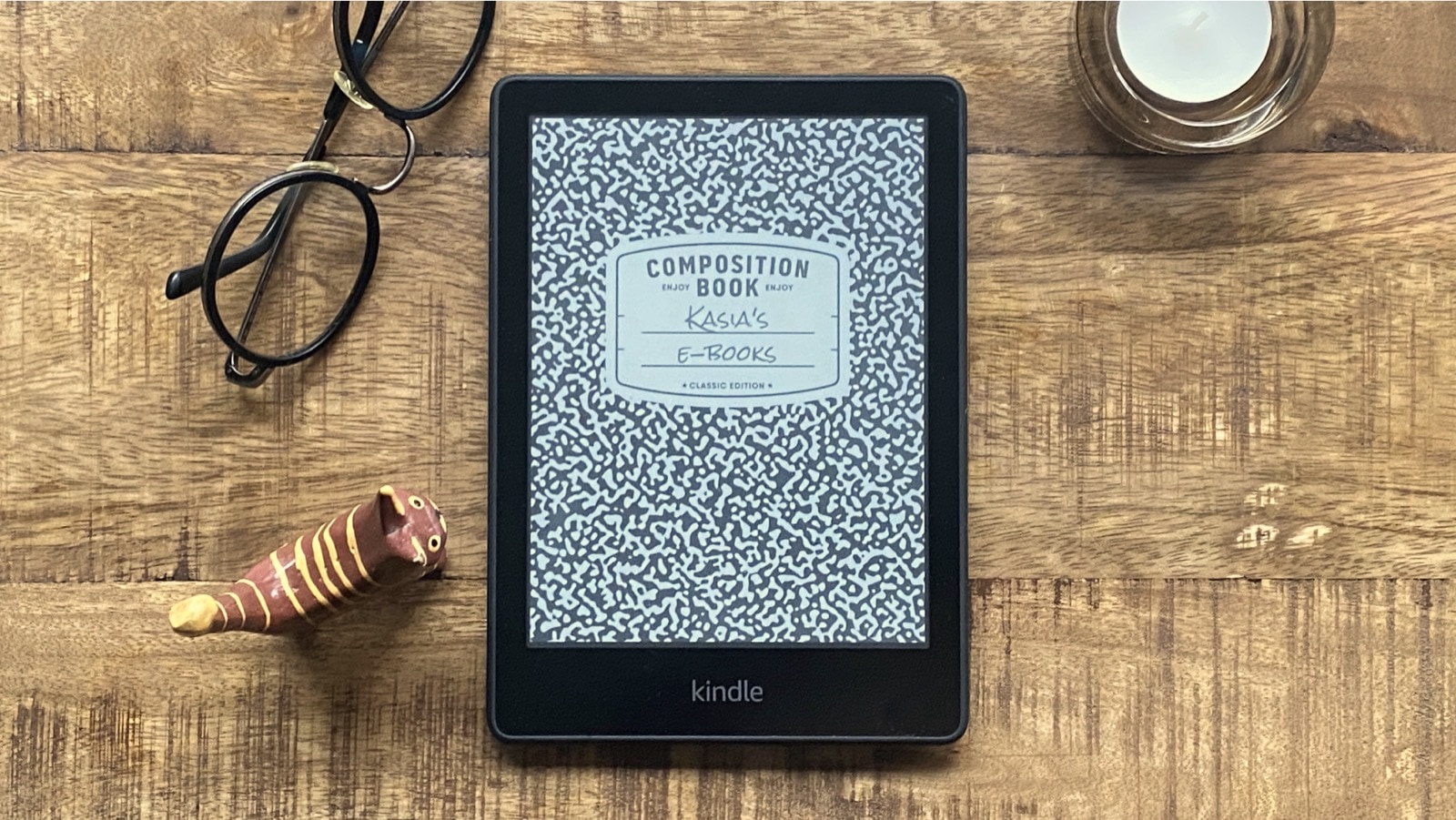
Turn your Kindle lockscreen into a custom composition notebook cover
This simple guide will let you use an iconic composition notebook design as a Kindle screensaver image.
-

Authors, here is a quick way to check out if your books were used to train AI
Over 190,000 books were used without permission to train AI tools from Meta and Bloomberg. Are yours among them?
-
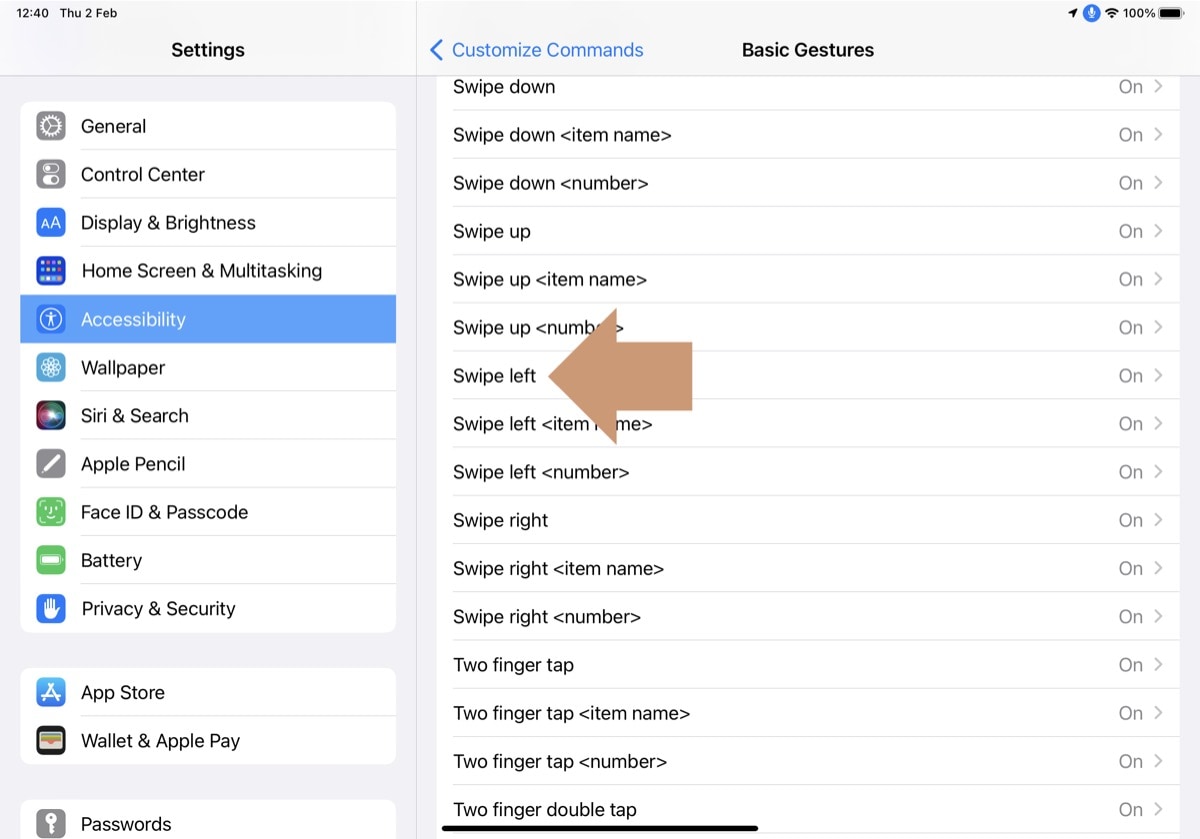
How to turn pages in Kindle iPad app with just your voice
In this simple guide, you will learn how to read ebooks on your iPad completely hands-free. You can turn pages with just your voice, using a clever feature called Voice Control.
-

Bionic reading – everything you need to know
Bionic reading is a free tool that brings an enhanced reading experience to your current e-reading device or app. It will help you read faster and comprehend more.
-

How to add bionic formatted books to Kindle
Bionic reading is not yet built into the Kindle ecosystem. However, if you are excited about this revolutionary reading method, you can download bionic formatted books manually to your Kindle.
-
Epub file format for Kindle – what we know so far
From August 2022, Amazon will fully support epub file format. Already now you can add epub books via email. Here are a few things you should know.
-

Mobi files for Kindle – things you should know
Since mid-2022 you can no longer add your own mobi files to your Kindle or Kindle app. Old mobi files are safe and you can access them any time.
-

5 ways to repurpose your old Kindle
Turning your Kindle into a photo frame is the most obvious, but also the most complex way. There are easier and better ideas.
-

How to renew a fabric Kindle case – safely and quickly
In less than 20 minutes, you can make your Kindle cover look gorgeous again.
-

Which Amazon Fire is best suited for reading ebooks?
If reading books is one of the top reasons to get an Amazon Fire, make sure to pick up the model that answers most of your needs.
-
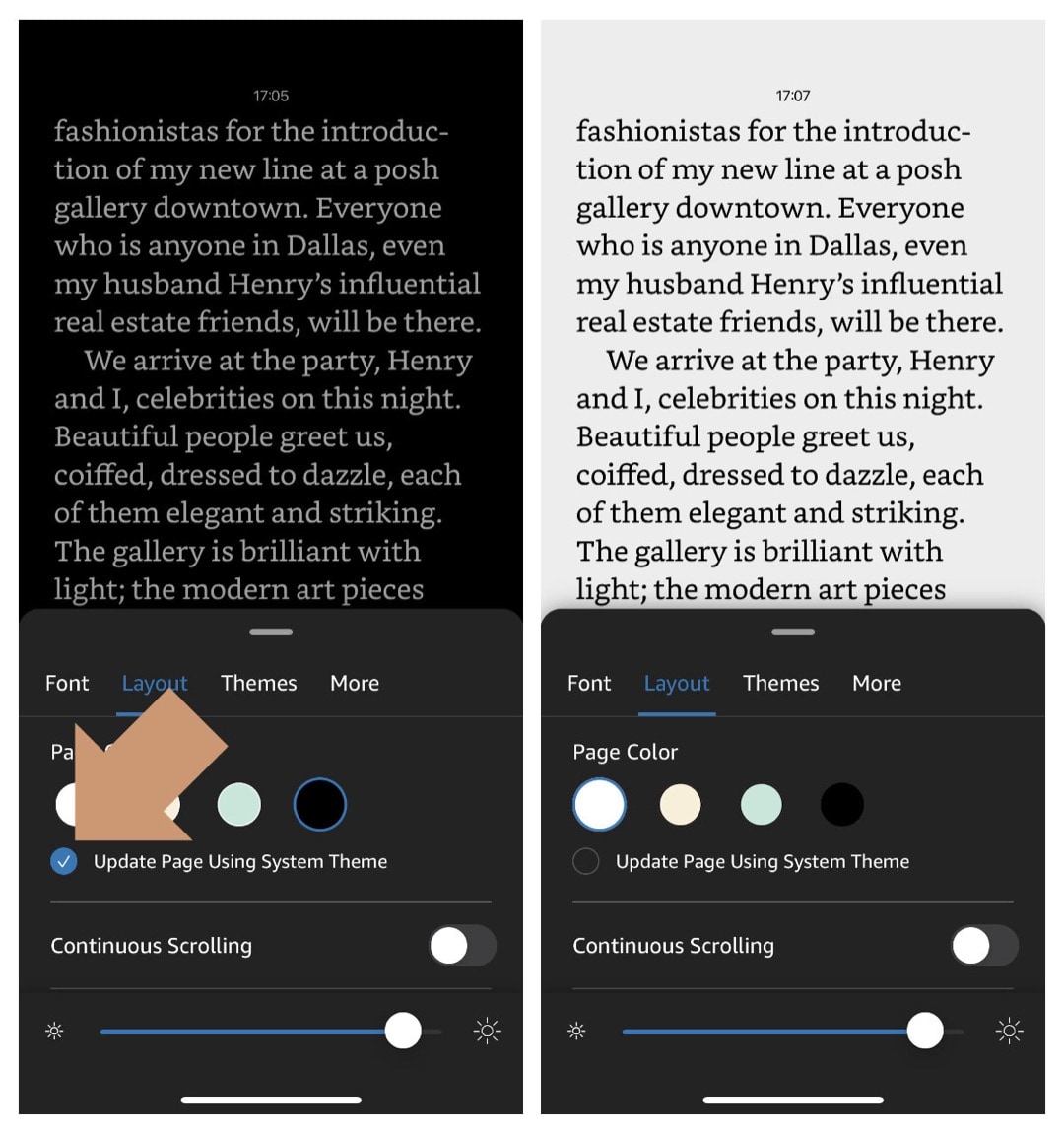
Finally, the Kindle app for iPhone and iPad gets the automatic theme switcher
The new feature may confuse users, as now the Reading and Library view are controlled differently.
-

Here is how you can set up your own Kindle reading challenge
Amazon’s official Kindle Challenge is invitation only and available only for US residents. Set up your own reading challenge system to read more books and save more money.